50 Omarchy Features You Need To Master Now
Master every hidden power feature in Omarchy and transform how you use Linux forever.
Based on: Omarchy Can Do WHAT?! 50 Features You're Missing by NetworkChuck
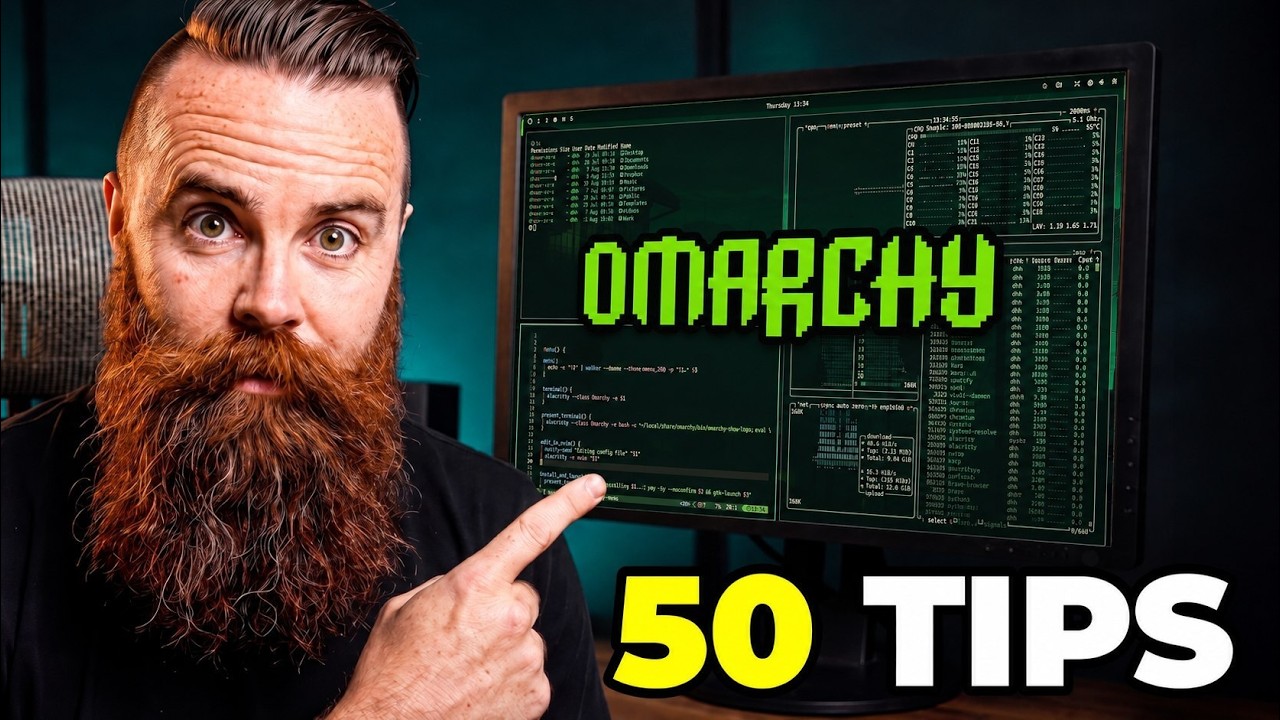 ▶ Watch the source video on YouTube
Master every hidden power feature in Omarchy and transform how you use Linux forever.
Based on: Omarchy Can Do WHAT?! 50 Features You're Missing by NetworkChuck
▶ Watch the source video on YouTube
What if your Linux setup already had AirDrop, local AI transcription, persistent SSH sessions, one-click themes, and a built-in clipboard manager with image history — and you just never knew where to look? That question is exactly what NetworkChuck set out to answer, and the answer is a little overwhelming in the best possible way.
Here's the problem most people run into after installing Omarchy: they open a terminal, poke around for twenty minutes, and then go back to doing things the same way they always have. They miss the scratchpad that follows you across workspaces. They miss the OCR screenshot tool. They miss Vox Type, the fully local speech-to-text that never touches a cloud server. They miss the fact that you can reboot Bluetooth, Wi-Fi, audio, and your trackpad individually without restarting your entire machine. That's not just cool — that's hours of frustration saved.
Imagine sitting down at your desk and knowing exactly where every power feature lives. You spin up a Docker-based MySQL environment in seconds. You send a 720p video to your phone via QR code without touching AirDrop or a cable. You ask your local AI model to change your power profile, build a plugin, and create a Lord of the Rings screensaver — all without opening a browser. Your SSH session survives a Wi-Fi dropout. Your themes regenerate from a single wallpaper. That's what Omarchy users who actually know their setup feel like every single day.
NetworkChuck spent five hours recording this video — on top of the thousands of hours he's spent building, breaking, and mastering Linux environments on camera for millions of subscribers. He's not a manual reader. He's a hands-on explorer who finds the stuff that matters and explains it in plain English. When he says something is sick, it's because he genuinely just discovered it himself, and that authenticity is exactly why his audience trusts him.
This checklist captures every single actionable feature from that video — all 50 of them — organized into clear steps so you never have to scrub through five hours of footage to find the one shortcut you forgot. Whether you're brand new to Omarchy or you've been using it for months and suspect you're leaving features on the table, this PDF gives you a complete, ready-to-execute action plan. Open it, work through it step by step, and walk away with a setup that actually reflects everything Omarchy is capable of.
Every checklist item comes with actionable notes to guide you — things like "Don't forget to do this before you start," "Avoid this common mistake," or "Set a reminder for 30 days out." Nothing vague, just clear next steps.
+ 65 more action items inside...
Instant PDF download. Start taking action today.
✓ Instant download · ✓ PDF format · ✓ No subscription