Why You Need This Checklist
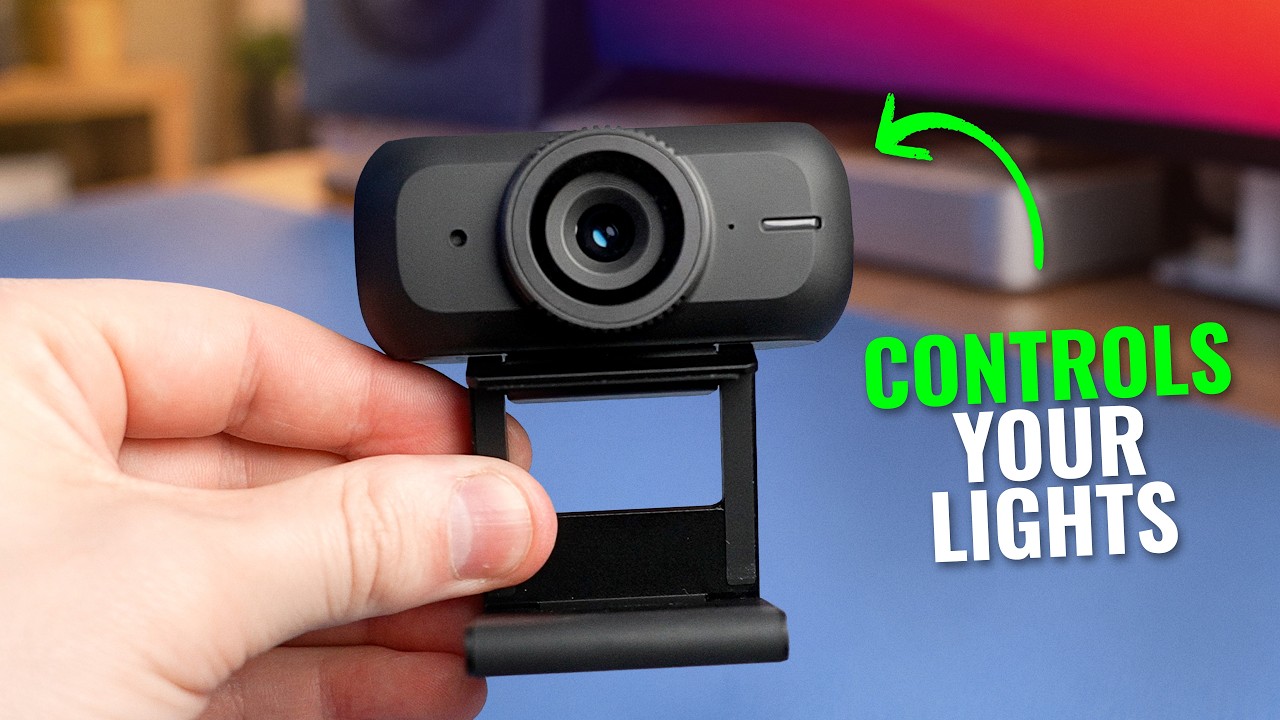
What if your webcam could set up your entire lighting rig for you — automatically — in under 10 seconds? That sounds too good to be true, but Think Media just broke down exactly how the Amaran Cam pulls it off, and the results are hard to argue with.
Here is the problem most creators face: you spend hours trying to figure out key lights, fill lights, color temperatures, and ratios, only to end up with footage that still looks flat or washed out. Meanwhile, your streams, Zoom calls, and YouTube videos are being judged in the first two seconds. Bad lighting costs you credibility before you say a single word. And juggling multiple USB webcams for a multi-cam setup? That is a glitchy, unreliable nightmare that most people give up on entirely.
Now picture this instead. You mount the Amaran Cam, open the app, tap auto lighting, and within 10 seconds your key light and fill light are perfectly balanced for your skin tone and your room conditions. No lighting degree required. You add a second Amaran Cam on top of your speaker, and you are now live-switching between two camera angles in real time — all through USB cables plugged straight into your computer. Your audio is handled by the wireless Amaran Mic, which the app automatically pairs to your camera feed. Your entire studio is one cohesive, app-controlled ecosystem.
Think Media has tested this camera head-to-head against the Insta360 Link 2 Pro, the Hollyland Lyra, the Yolo Cam S3, and a MacBook Pro internal camera. They have run it for eight-plus hours straight, dug into every setting from ISO to lossless zoom, and flagged the real gotchas — like the out-of-box sharpening being set way too high and the body getting extremely hot during long sessions. This is not a spec-sheet review. It is a real-world, hands-on breakdown from one of the most trusted tech and creator channels on YouTube.
This checklist turns that entire video into a step-by-step action plan you can follow today. From unboxing and mounting, to configuring the Amaran app, to enabling auto lighting and building a multi-cam OBS setup, every actionable detail is laid out in order so you do not miss a thing. Grab the checklist and get your setup dialed in.
What's Inside — Preview
Every checklist item comes with actionable notes to guide you — things like "Don't forget to do this before you start," "Avoid this common mistake," or "Set a reminder for 30 days out." Nothing vague, just clear next steps.
BUY
Purchase the Amaran Cam webcam
CHECK
Unbox and inventory all included items before starting setup
DECIDE
Decide on your mounting position: monitor top or tripod
DO
Enable the built-in privacy shade when the camera is not in use
DO
Connect the Amaran Cam to your computer via USB-C
+ 19 more action items inside...
 ▶ Watch the source video on YouTube