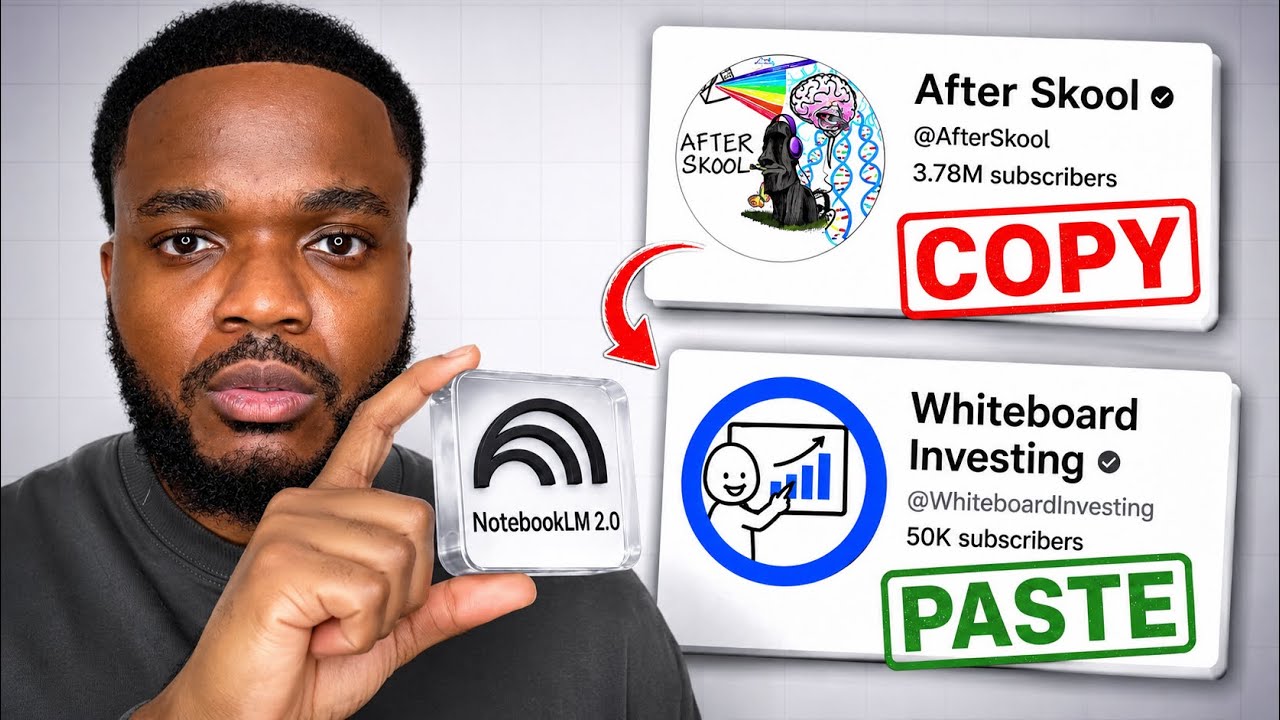
Why You Need This Checklist
What if you could launch a faceless YouTube channel this week — no camera, no editing skills, no voiceover recording — and still produce professional whiteboard animated videos that viewers actually watch? If that sounds too good to be true, keep reading, because Sam from Success With Sam just broke down exactly how to do it.
Here's the frustrating reality most aspiring YouTube creators face: you know the content is in you, but the production side feels overwhelming. Scripting, editing, finding the right niche, building a channel from scratch — it adds up fast. Most people either spend hundreds on freelancers or give up entirely before posting a single video. Meanwhile, channels that started just last year using the whiteboard animation format are already sitting at nearly 10 million views. The gap isn't talent. It's workflow.
Now imagine this instead: you open a free Google tool, answer a handful of simple questions, and walk away with a complete channel strategy, a fully written script, and a polished whiteboard animated video — all in the same afternoon. That's exactly what Sam demonstrates in this video using NotebookLM (now called Gemini Notebook) combined with Digital Maker AI. You pick your niche, let the tools handle the heavy lifting, and spend your energy on what actually matters: uploading consistently and growing your audience.
Sam has been in the faceless YouTube space long enough to know what works and what wastes your time. He doesn't just talk about strategy in theory — he walks through the entire workflow live, from finding successful whiteboard channels to scrubbing through Digital Maker AI's prompt maker, generating the video, and even building a sellable digital product to monetize from day one. The proof is right there on screen: a fully edited, AI-voiced whiteboard video on stock market investing, ready to upload.
This checklist captures every single action step from that video in the exact order Sam walks through them. You'll know which tools to open first, what settings to select, which mistakes to avoid, and how to get your first video generated and downloaded without confusion. Whether you're building your first YouTube channel or adding a new faceless format to an existing one, this checklist is your shortcut from "I want to do this" to "my video is uploading now."
Grab the checklist, open your browser, and follow along. Your first whiteboard video is closer than you think.
What's Inside — Preview
Every checklist item comes with actionable notes to guide you — things like "Don't forget to do this before you start," "Avoid this common mistake," or "Set a reminder for 30 days out." Nothing vague, just clear next steps.
RESEARCH
Research successful whiteboard animation YouTube channels to understand what's working right now
DOWNLOAD
Sign up for a free Digital Maker AI account at the link in Sam's description
RESEARCH
Use the Faceless Finder in Digital Maker AI to identify a profitable whiteboard channel niche
DO
Navigate to the Prompt Maker inside Digital Maker AI to generate your NotebookLM setup prompt
DECIDE
Select 'Build a faceless channel from scratch' as your starting point in the Prompt Maker
+ 42 more action items inside...