Why You Need This Checklist
What if your AI assistant could tell you something true about yourself that you never knew? Not a generic productivity tip, but a specific, data-backed observation drawn from years of your own calendars, highlights, notes, and habits. Sounds powerful, right? But here is the problem most people run into: they connect everything to Claude all at once, assume it now knows their entire digital life, and then wonder why the results feel shallow or just plain wrong.
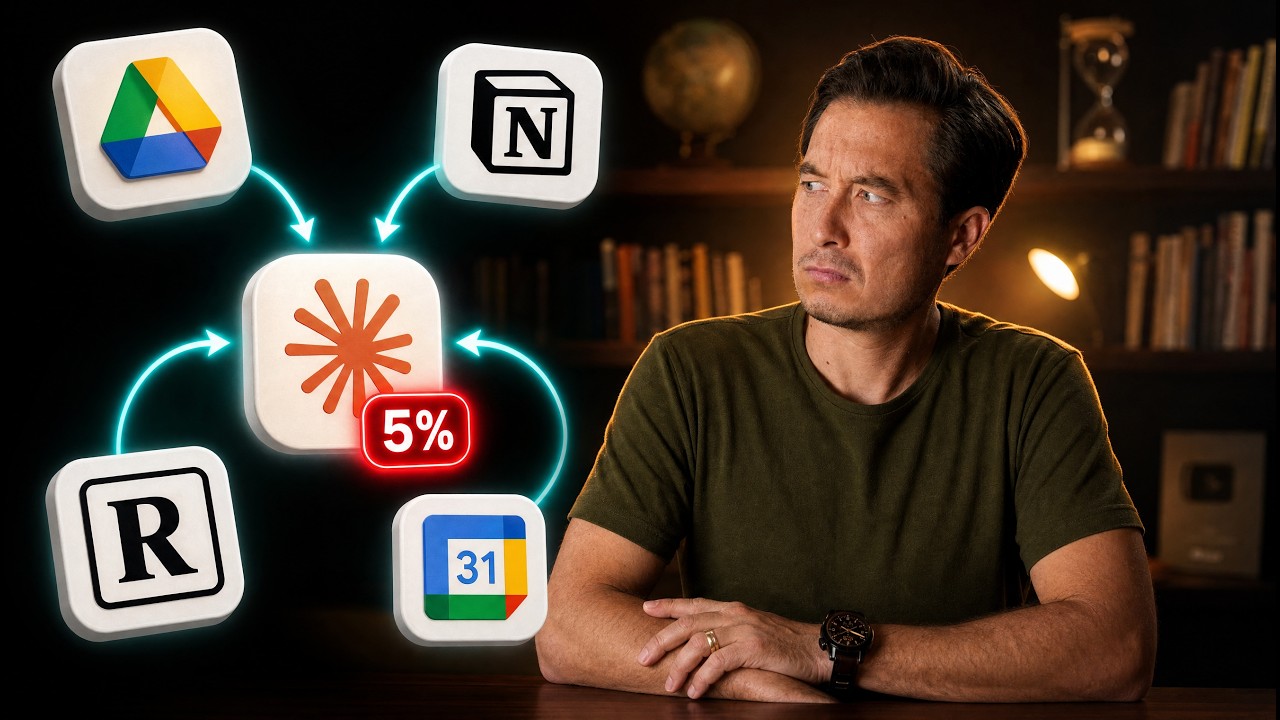
You have probably seen the posts. "I gave Claude access to my Notion and it changed my life." What those posts never mention is that Claude is actually reading somewhere between 0.5% and 5% of what is in your workspace. Nobody talks about that. Nobody explains the settings that keep your data secure, the permissions you should never leave on auto-approve, or the simple follow-up questions that make the difference between a generic summary and a genuinely useful insight.
Tiago Forte, creator of the Building a Second Brain methodology and one of the most thoughtful voices on personal knowledge management, spent a full month running deep experiments with Claude connectors across Google Calendar, Readwise, Notion, Gmail, Google Drive, QuickBooks, Circle, and more. He did not just show what worked. He showed exactly where it breaks, what it misses, and the crucial catch that determines whether any given integration is actually worth your time.
Imagine running a 12-month analysis of your calendar and discovering that the story you have been telling yourself about who you are and what you prioritize is simply not supported by your own data. Imagine getting a personalized reading list built from nine years of your own highlights, or generating a mid-year review in 25 minutes that would normally take you a full day. That is the real promise of connectors, done right.
This checklist takes everything Tiago walks through across all three demo levels, simple, intermediate, and advanced, and turns it into a clean, step-by-step action plan you can follow today. Every tip, every permission setting, every search strategy, and every security warning is captured so you do not have to rewatch and take notes. Follow the checklist, connect your first app, and find out what your own data says about you.
What's Inside — Preview
Every checklist item comes with actionable notes to guide you — things like "Don't forget to do this before you start," "Avoid this common mistake," or "Set a reminder for 30 days out." Nothing vague, just clear next steps.
PLAN
Audit all the apps and software tools you currently use across work and personal life
RESEARCH
Check whether an official MCP connector exists for each app on your list
DO
Open Claude's connector settings by clicking 'Customize' in the left sidebar, then selecting 'Connectors'
CONNECT
Add your first connector by clicking the plus sign, then 'Browse Connectors', then searching for your chosen app
DO
Complete the connection by signing into the third-party account within the connector settings
+ 23 more action items inside...
 ▶ Watch the source video on YouTube