Why You Need This Checklist
What if your AI could see your bank account, your emails, your meeting notes, your community data, and your calendar — all at once — and synthesize them into a business review that would have taken you a full day to produce manually? That question is exactly what Tiago Forte set out to answer, and the results are hard to ignore.
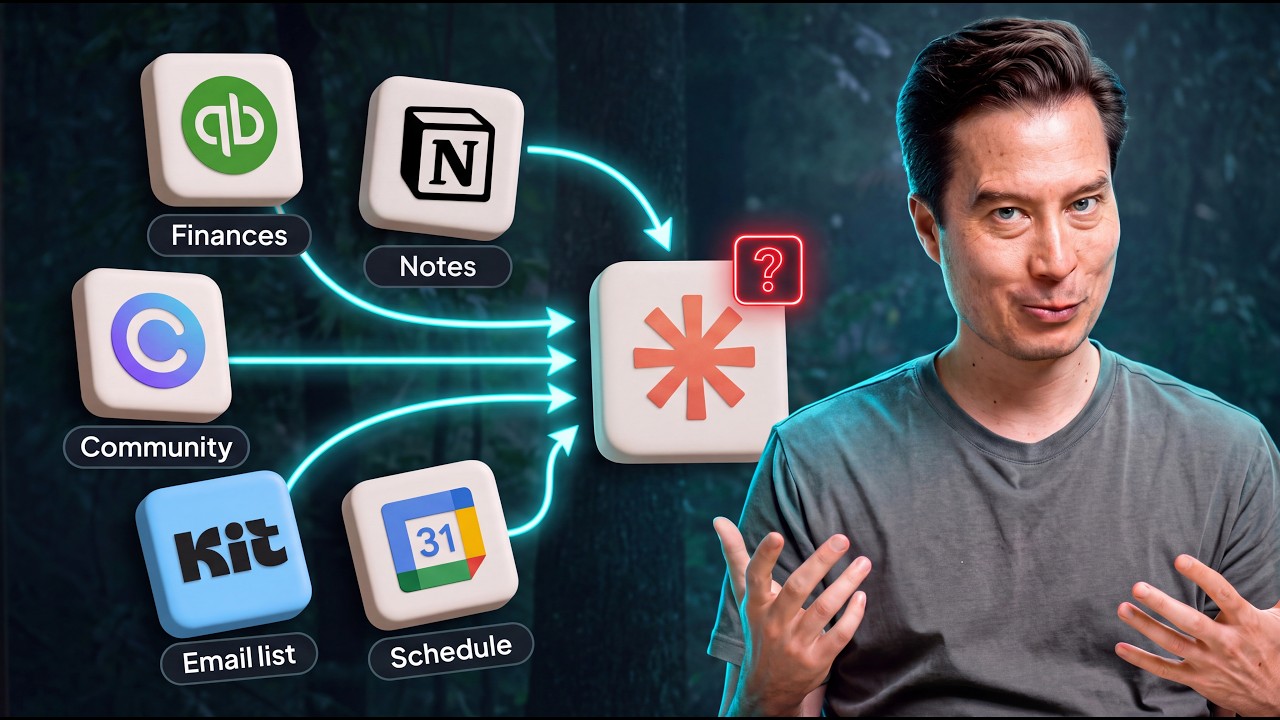
Here is the problem most business owners and creators are quietly living with: your data is scattered across a dozen different tools, and none of them talk to each other. You have revenue sitting in QuickBooks, audience behavior hiding in your email platform, meeting decisions buried in Fathom, and community health stats locked inside Circle. You know the insights are in there somewhere. But getting to them means hours of downloading, reconciling, and cleaning up data — and most of the time, you just do not bother. So you make decisions with incomplete information, and the full picture of your business stays permanently out of reach.
Now imagine a different reality. You sit down for a mid-year review. Instead of rummaging through spreadsheets for half a day, you let Claude pull live data from all of your tools simultaneously. Within 20 to 25 minutes, you have a synthesized report showing you how your email broadcasts drove revenue, which community members are going cold, how cash in your bank compares to what your CFO reports, and how ideas are moving from meetings all the way to published content. That is exactly what Tiago built — and he documented every step so you can replicate it.
Tiago Forte is the creator of the Building a Second Brain methodology and has spent years teaching people how to organize their knowledge and workflows for maximum leverage. When he says this AI connector system is a genuine productivity breakthrough, he is speaking from real experience: he ran this process on his own business, caught a discrepancy between his bank account and CFO numbers, confirmed he honored his personal principles while welcoming a newborn, and validated his profit targets — all in under half an hour.
This checklist walks you through every step Tiago covers in the video: how to audit your tools, how to check for official MCP connectors, how to prioritize which integrations to set up first, how to prompt Claude to surface multi-connector use cases, and how to treat the outputs as living documents that improve over time. Stop leaving your data siloed. Grab this checklist and start connecting your business today.
What's Inside — Preview
Every checklist item comes with actionable notes to guide you — things like "Don't forget to do this before you start," "Avoid this common mistake," or "Set a reminder for 30 days out." Nothing vague, just clear next steps.
DO
Open a new Google Doc and title it '[Your Name]'s Connectors' to serve as your integration audit document
CHECK
Review your credit card and bank statements to identify every app or software tool you currently pay for
DO
Go through all apps installed on your computer, phone, and browser bookmarks to find additional tools that might contain valuable data
PLAN
Organize your full app list into categories inside your connectors doc and arrive at a final count
RESEARCH
For each app on your list, search Google to check whether an official MCP connector exists for Claude
+ 24 more action items inside...
 ▶ Watch the source video on YouTube