CSS Scroll Animations: No JavaScript Needed
Build smooth, one‑time scroll‑triggered animations using only CSS in minutes.
Based on: Nobody told me CSS could do this by Kevin Powell
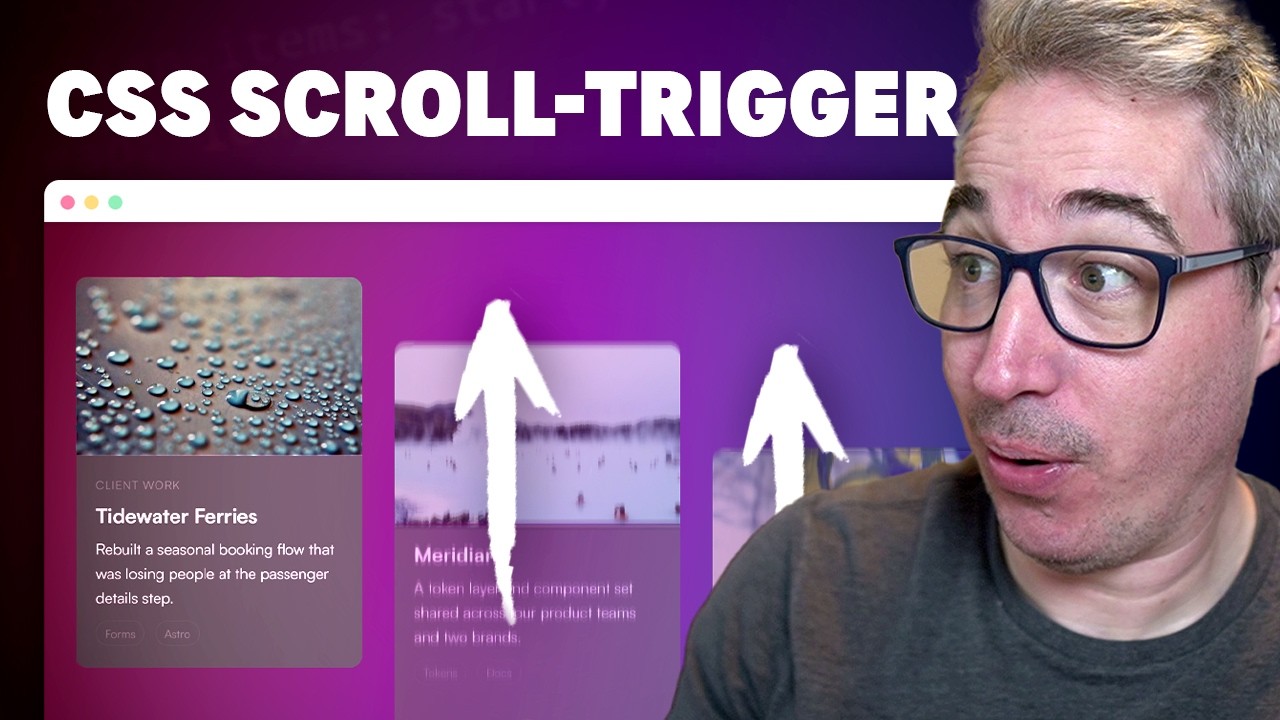 ▶ Watch the source video on YouTube
Build smooth, one‑time scroll‑triggered animations using only CSS in minutes.
Based on: Nobody told me CSS could do this by Kevin Powell
▶ Watch the source video on YouTube
What if you could add professional scroll-triggered animations to your website without writing a single line of JavaScript? Sounds too good to be true, right? Most developers assume you need a library like GSAP or ScrollObserver just to get cards fading in as users scroll. You've probably spent hours wiring up Intersection Observers, debugging event listeners, and wondering why your animations keep firing on scroll-up when they really shouldn't. That frustration is real, and it's completely unnecessary with modern CSS.
Here's the problem most developers face: scroll animations built with JavaScript are heavier, harder to maintain, and often cause layout jank that tanks your user experience. And the tutorials that do cover CSS animations rarely show you how to make them fire only once, stagger across a grid, or degrade gracefully for users with reduced-motion preferences. You end up with a half-working solution that you're not confident shipping.
Now imagine your portfolio or product page where cards glide in with a perfectly timed stagger as the user scrolls down, elements animate in once and stay there, the whole thing works on modern browsers with zero JavaScript, and older browsers simply see the static content without breaking. That's not a dream — that's exactly what Kevin Powell walks through in this video, and it's more achievable than you think.
Kevin Powell is one of the most trusted CSS educators on YouTube, known for teaching browser-native techniques that actually hold up in production. He doesn't just show you the happy path — he covers browser support, progressive enhancement with @supports, animation-timeline, container style queries, and even prefers-reduced-motion. This is the kind of thorough, honest CSS teaching that has earned him hundreds of thousands of followers who trust his work.
This checklist distills every actionable step from Kevin's tutorial into a clean, printable PDF you can follow alongside your own project. From setting up the two-layer HTML structure, wiring up scroll-driven animation timelines, using animation play state to lock animations in place, all the way to staggering items across auto-fit grid columns and wrapping everything in @supports for safe progressive enhancement — every step is here, in order, ready to execute. Open it next to your code editor and build it right the first time.
Every checklist item comes with actionable notes to guide you — things like "Don't forget to do this before you start," "Avoid this common mistake," or "Set a reminder for 30 days out." Nothing vague, just clear next steps.
+ 17 more action items inside...
Instant PDF download. Start taking action today.
✓ Instant download · ✓ PDF format · ✓ No subscription