Why You Need This Checklist
Have you ever looked at a landing page that just feels alive — the kind where text bounces in, numbers count up, and cards glide into view as you scroll — and wondered how long it would take you to build something like that? If you have been putting off adding animations to your projects because it seemed too complex or required expensive premium plugins, Kevin Powell just changed the game entirely.
Here is the frustrating reality most developers face: you know your static site looks flat compared to the competition, but every animation tutorial you find either skips the important details, uses outdated paid tools, or produces something so over-the-top it hurts performance. You end up with either a boring page or a janky mess that you are embarrassed to put in your portfolio. Meanwhile, polished studios and F1 team websites are making things that feel cinematic — and they are using tools you probably have not fully unlocked yet.
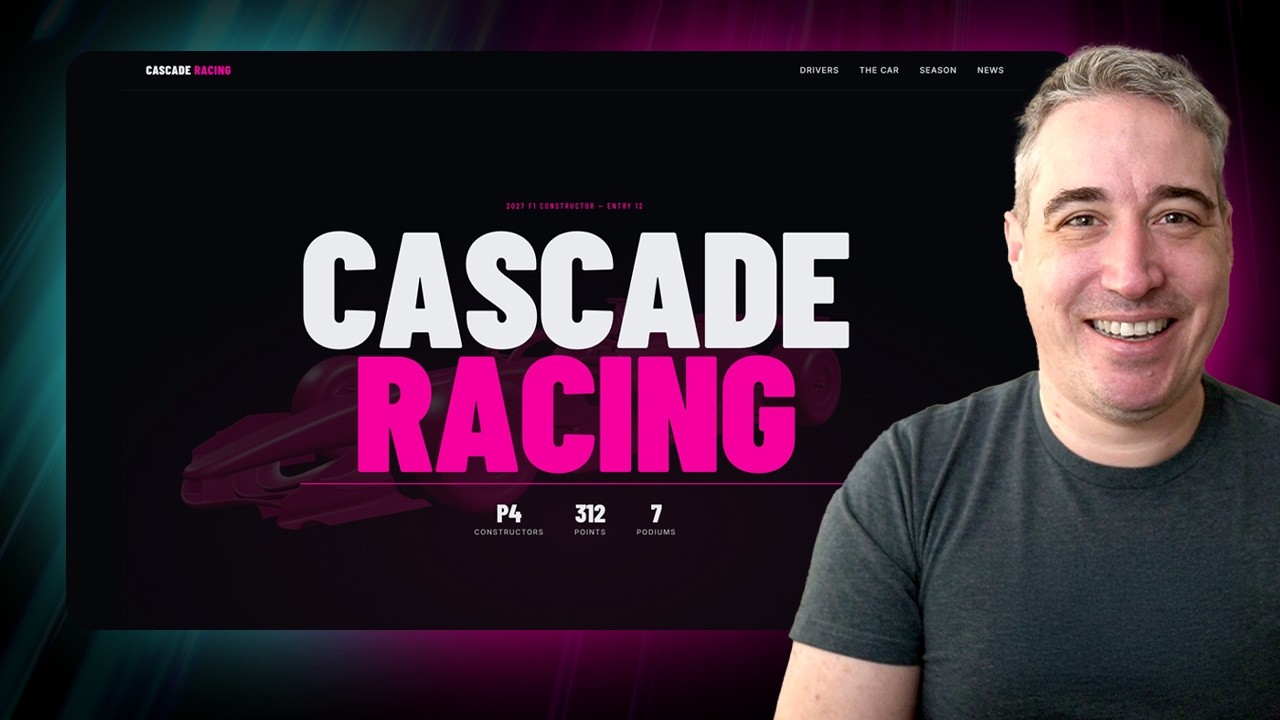
Imagine shipping a landing page where your hero text bounces in letter by letter with a satisfying elastic settle, your stat counters tick up from zero as the user scrolls into view, your cards stagger in one after another, and your sponsor banner slides infinitely at a perfectly consistent speed no matter the user's monitor refresh rate. That is exactly what Kevin Powell builds in this video — a real, production-quality Astro project with GSAP powering every interaction. And because Webflow now funds GSAP, every single plugin including ScrollTrigger and SplitText is completely free.
Kevin Powell is one of the most respected front-end educators on YouTube, known for explaining CSS and JavaScript concepts in a way that actually sticks. He does not just show you the happy path — he walks through the mistakes he made, the accessibility considerations he kept in mind, and the reasoning behind every decision. This is the kind of tutorial that teaches you to think, not just copy and paste.
This checklist captures every single actionable step from Kevin's tutorial in the exact order you need to follow them. From installing GSAP via NPM and setting up your plugin registration file, to building scroll-triggered card animations, per-element forEach triggers, custom ScrollTrigger counter animations, GSAP timelines with overlapping offsets, SplitText character animations with elastic easing, and a draggable infinite ticker that respects monitor refresh rates — it is all here. Use this PDF alongside the video and you will build a next-level animated landing page without missing a single step.
What's Inside — Preview
Every checklist item comes with actionable notes to guide you — things like "Don't forget to do this before you start," "Avoid this common mistake," or "Set a reminder for 30 days out." Nothing vague, just clear next steps.
DO
Install GSAP into your project via NPM
BUILD
Create a dedicated GSAP library setup file (e.g. src/lib/gsap.js)
DO
Import GSAP, ScrollTrigger, and SplitText into your lib file
DO
Export GSAP, ScrollTrigger, and SplitText from your lib file
DO
Import GSAP into the component where you want your first animation
+ 36 more action items inside...
 ▶ Watch the source video on YouTube