Why You Need This Checklist
What if the very news that's supposed to help you ends up being the thing scammers use against you? That's exactly what's happening right now with the IRS's newly expanded app, and if you're not careful, a convincing fake could cost you far more than a tax bill.
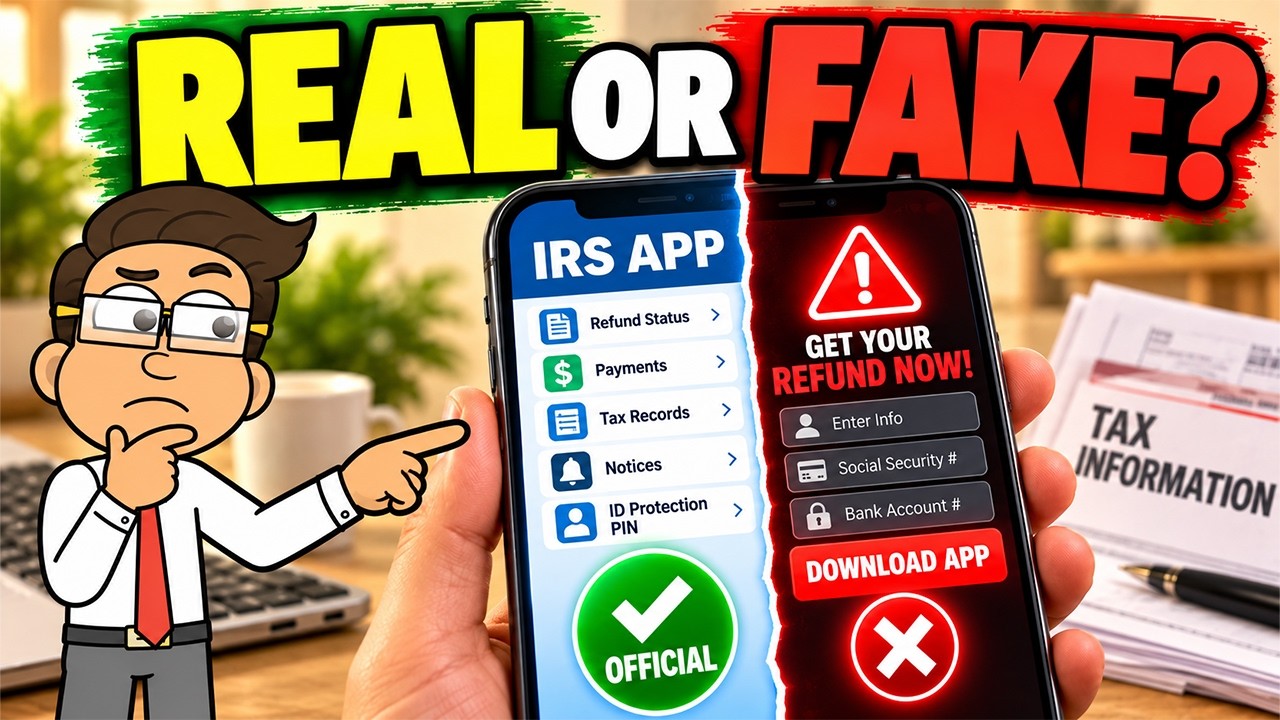
Here's the situation: the IRS really did launch a newly updated app, replacing the old IRS2Go name with a broader set of features. You can now check balances, schedule payments, download transcripts, read select notices, and even access your identity protection PIN, all from your phone. That's genuinely useful. But the moment a real government tool makes headlines, fraudsters get to work building look-alikes, fake download links, urgent texts, and convincing pop-ups designed to steal your information before you realize what happened.
The Treasury Inspector General for Tax Administration reported that IRS identity theft filters flagged approximately 7.5 million returns during 2024 and 2025 alone. The IRS protected around $7 billion in fraudulent refunds over those two years. Tax identity theft is not a rare edge case. It is a massive, organized problem, and scammers are already using the new app launch as a fresh hook.
Imagine instead opening an IRS notice at your kitchen table, pulling out your phone, signing in safely, confirming your balance, scheduling a payment, and closing the app, all without a single detour through a sketchy search result or a misleading ad. That's what knowing the right process looks like. No panic, no second-guessing, just confident, secure steps.
The team at Money Instructor has done a thorough job breaking down exactly how this new app works, what's changed from IRS2Go, what red flags signal a scam, and what the official update process actually looks like. This is the kind of clear, practical guidance that usually takes hours of research to piece together on your own.
This checklist translates everything from that video into a clean, printable action guide you can follow once and reference anytime. It covers how to verify the real app, what features are actually available, how to spot fake messages, how to use your identity protection PIN, and how to report look-alike apps. Every step is grounded in what the IRS officially says, not internet rumor.
Print it out, keep it handy during tax season, and share it with anyone in your family who might receive a suspicious text about the IRS app. The checklist is ready when you are.
What's Inside — Preview
Every checklist item comes with actionable notes to guide you — things like "Don't forget to do this before you start," "Avoid this common mistake," or "Set a reminder for 30 days out." Nothing vague, just clear next steps.
LEARN
Confirm the real IRS app name is simply 'IRS' — not IRS2Go — before searching any app store
CHECK
Check whether IRS2Go is already installed on your phone with automatic updates turned on
DO
If automatic updates are off, update the app only through irs.gov/app or the official Apple App Store or Google Play listing linked there
CHECK
Verify the app store listing is the official IRS app before tapping Install or Update
AVOID
Stop and do not tap if any text, email, social media message, online ad, or pop-up sends you a download link for the IRS app
+ 16 more action items inside...
 ▶ Watch the source video on YouTube