Why You Need This Checklist
What if you could run a YouTube channel that earns five figures a month without ever showing your face, recording your voice, or hiring a single editor? That question is exactly what Sam from Success With Sam answers — and the answer is more within reach than you think.
Most people who want to start a YouTube channel hit the same wall: they don't want to be on camera, they can't afford a production team, and they have no idea which niche will actually make money. So they spend months researching, second-guessing, and doing nothing. Meanwhile, channels that launched just a few months ago are already crossing 150,000 subscribers and pulling in real income from both AdSense and digital products.
Imagine waking up to a fully branded YouTube channel — complete with a custom AI avatar, a professional profile picture and banner, trend-researched video ideas, and fully edited videos — all produced through a simple conversation with an AI. No camera. No microphone. No editing software. No freelancers. Just you, a smart prompt, and a system that handles everything else. That is the exact workflow Sam walks through in this video, and this checklist captures every single step of it.
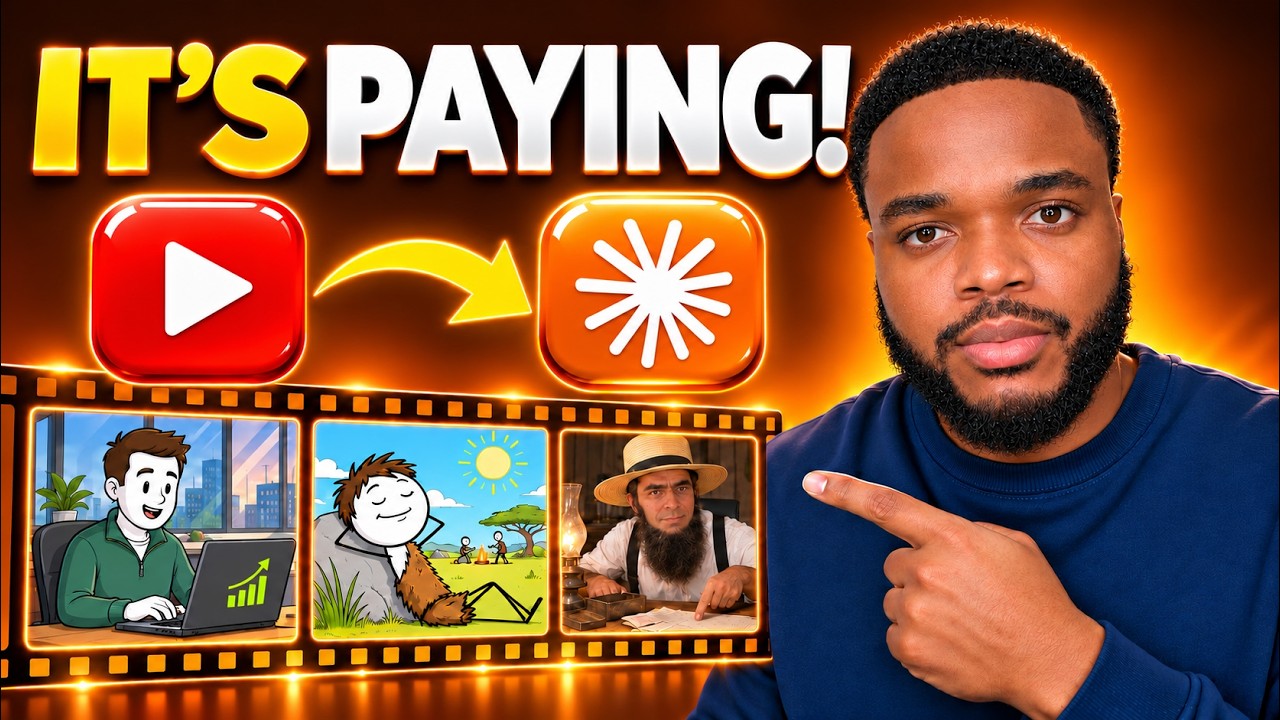
Sam demonstrates the entire process live: connecting Claude's latest model to DigitalMaker AI's MCP connector, pulling real YouTube trend data to identify winning niches and formats, generating a custom AI avatar with a unique voice, creating channel art, researching high-performing video ideas, and producing a fully edited, caption-ready video — all in one session. The results are real. The video Sam produces in the demo is clean, engaging, and ready to publish. And he shows exactly how to generate optimized titles, descriptions, tags, and thumbnails without touching a single piece of software manually.
This PDF checklist translates Sam's full workflow into a clear, sequential action plan you can follow today. Every tool, every prompt strategy, every setting, and every decision point is laid out so you don't have to pause the video fifteen times or take frantic notes. Whether you're brand new to YouTube or you've been meaning to start for years, this checklist gets you from zero to a published video faster than you thought possible. Download it, open Claude, and start building.
What's Inside — Preview
Every checklist item comes with actionable notes to guide you — things like "Don't forget to do this before you start," "Avoid this common mistake," or "Set a reminder for 30 days out." Nothing vague, just clear next steps.
DO
Create a DigitalMaker AI account and log in to the platform
LEARN
Explore the DigitalMaker AI video format options to understand what's available
CONNECT
Connect your DigitalMaker AI account to Claude using the MCP connector
DO
Paste the MCP connector credentials into Claude
DO
Switch your Claude model to Claude 3.5 (Fable 5.2) before starting any prompts
+ 31 more action items inside...
 ▶ Watch the source video on YouTube