Why You Need This Checklist
What if you could build a YouTube channel that grows to tens of thousands of subscribers — without ever showing your face, using your own voice, or spending a fortune on tools? That question might sound too good to be true, but thousands of anonymous creators are already doing it right now, and most people scrolling past their videos have no idea how simple the system behind them actually is.
Here's the uncomfortable truth: the window to get in early on this format is closing. Animated faceless channels in niches like investing, personal finance, and self-improvement are already pulling in millions of views and crossing 100,000 subscribers in under a year. Every week you spend trying to figure out the workflow from scratch is a week someone else is publishing content, entering the algorithm, and locking in that audience you want.
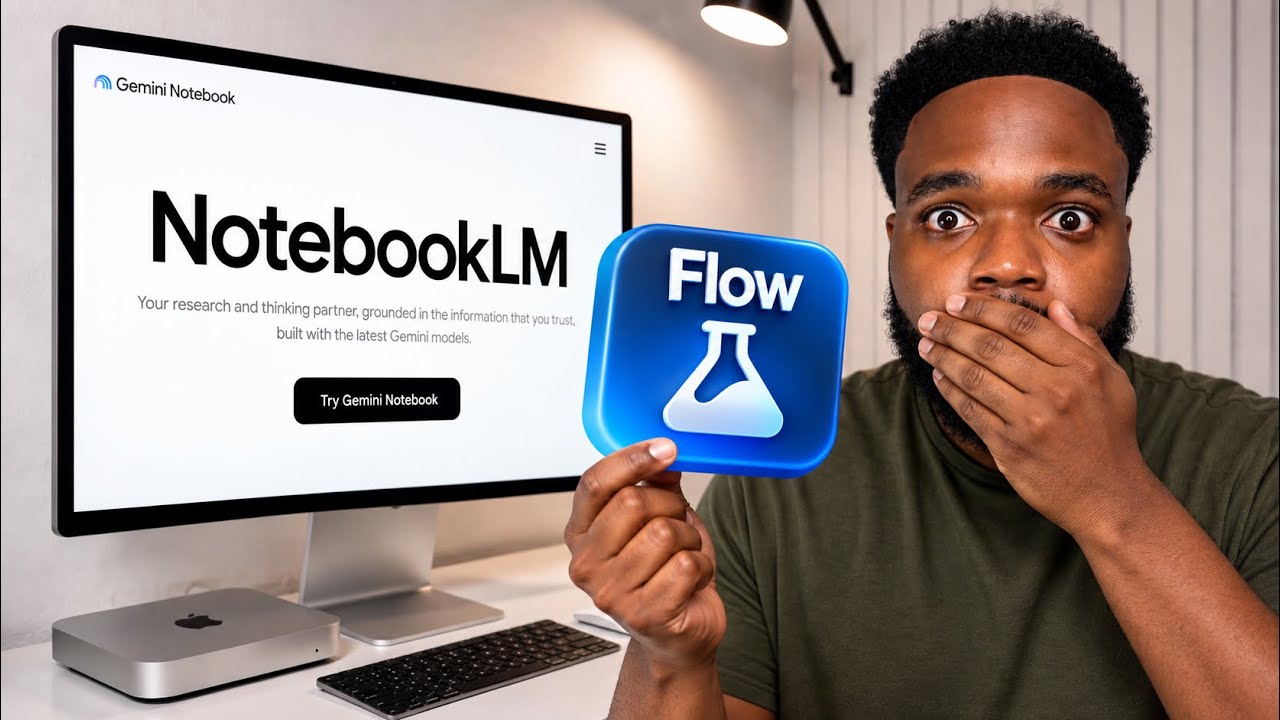
Now picture this instead. You wake up, open your laptop, and your channel already has a new video scheduled and ready to go. Your animated character — one you designed in minutes using Google Flow — is narrating a perfectly structured script that NotebookLM helped you build from a single prompt. The voiceover sounds professional. The scenes are crisp. And the entire thing took you less than an hour to put together. That is the reality Sam from Success With Sam walks through in precise, repeatable detail — and it is absolutely within reach for anyone willing to follow the process.
Sam has tested this workflow across multiple channels and breaks down not just the tools, but the exact sequence that makes them work together. From using Digital Maker AI's Faceless Finder to identify proven channels in your niche, to generating bulk image scenes in Google Flow, to pulling AI scripts from NotebookLM, to dropping a polished voiceover from ElevenLabs into CapCut — every piece of the puzzle is covered with zero fluff.
This checklist captures every single actionable step from that video in one clean, printable PDF you can work through at your own pace. No rewinding. No scrubbing through timestamps. No forgetting where you left off. Just open it, follow the steps, and build your channel. Whether you are brand new to faceless content or you have been trying to crack this format for months, this checklist gives you the exact roadmap. Start your first video today.
What's Inside — Preview
Every checklist item comes with actionable notes to guide you — things like "Don't forget to do this before you start," "Avoid this common mistake," or "Set a reminder for 30 days out." Nothing vague, just clear next steps.
DOWNLOAD
Sign up for Digital Maker AI and access the Faceless Finder tool
RESEARCH
Choose a niche you are personally interested in and use Faceless Finder to browse successful channels in that niche
DECIDE
Select a specific video from that channel to use as inspiration and copy its URL
DO
Go to Digital Maker AI, click Prompt Maker, then select NotebookLM as your destination
PLAN
Complete the Digital Maker AI prompt setup questions
+ 18 more action items inside...
 ▶ Watch the source video on YouTube