Why You Need This Checklist
What if you could run a YouTube channel that publishes videos every single day without ever showing your face, recording your voice, or touching a video editor? That question is exactly what Sam from Success With Sam answers in this detailed walkthrough — and what this checklist captures for you.
Here's the frustrating truth most people run into: they know faceless YouTube channels are making real money, they see channels with hundreds of thousands of subscribers that started just months ago, but they have no idea where to begin. The format choices alone are overwhelming. Whiteboard? Stickman? 3D? AI avatars? And even after picking a format, most people get stuck on niche research, channel branding, scripting, editing, thumbnails, and metadata — giving up before a single video goes live.
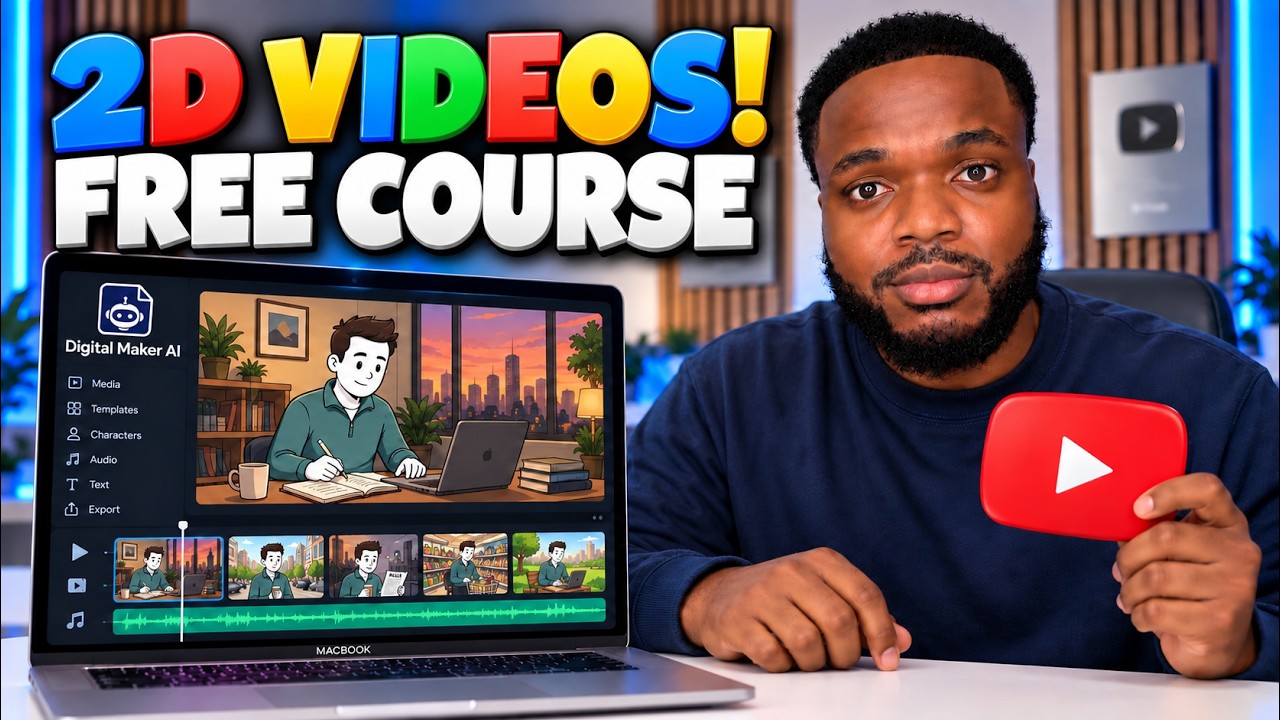
Now picture this instead. You spend one afternoon using a free AI platform, and by the end of it you have a channel name, a branded profile picture, a polished banner, a fully narrated and edited 2D animated video complete with music and captions, and a ready-to-upload thumbnail — all without touching Canva, CapCut, Adobe, or hiring a single freelancer. That is not a fantasy. That is exactly what Sam demonstrates, step by step, using Digital Maker AI and its built-in AI coach.
Sam has studied over 3,000 faceless YouTube channels through a tool called the Faceless Finder, and he walks you through the real data on which niches are earning five figures a month right now for channels that launched this year. He shows you the exact prompts to use, the voice and style settings to choose, how to connect your YouTube account for direct publishing, and how to generate SEO-optimized titles, descriptions, and tags automatically.
This checklist turns Sam's full video course into a clean, printable action plan you can work through at your own pace. Every step is laid out in order, from signing up for Digital Maker AI to publishing your first video with a custom thumbnail. No rewatching, no notes, no confusion about what comes next. Grab the checklist, open the platform, and start building the channel today.
What's Inside — Preview
Every checklist item comes with actionable notes to guide you — things like "Don't forget to do this before you start," "Avoid this common mistake," or "Set a reminder for 30 days out." Nothing vague, just clear next steps.
DECIDE
Decide on your channel's video format before doing anything else
DOWNLOAD
Sign up for a free Digital Maker AI account at digitalmaker.ai
LEARN
Explore the Video Maker section to understand all available formats
DO
Navigate to the AI Coach inside Digital Maker AI and select Claude Opus expert mode
DO
Tell the AI coach you want to start a faceless YouTube channel and select 2D animated videos as your format
+ 26 more action items inside...
 ▶ Watch the source video on YouTube