Why You Need This Checklist
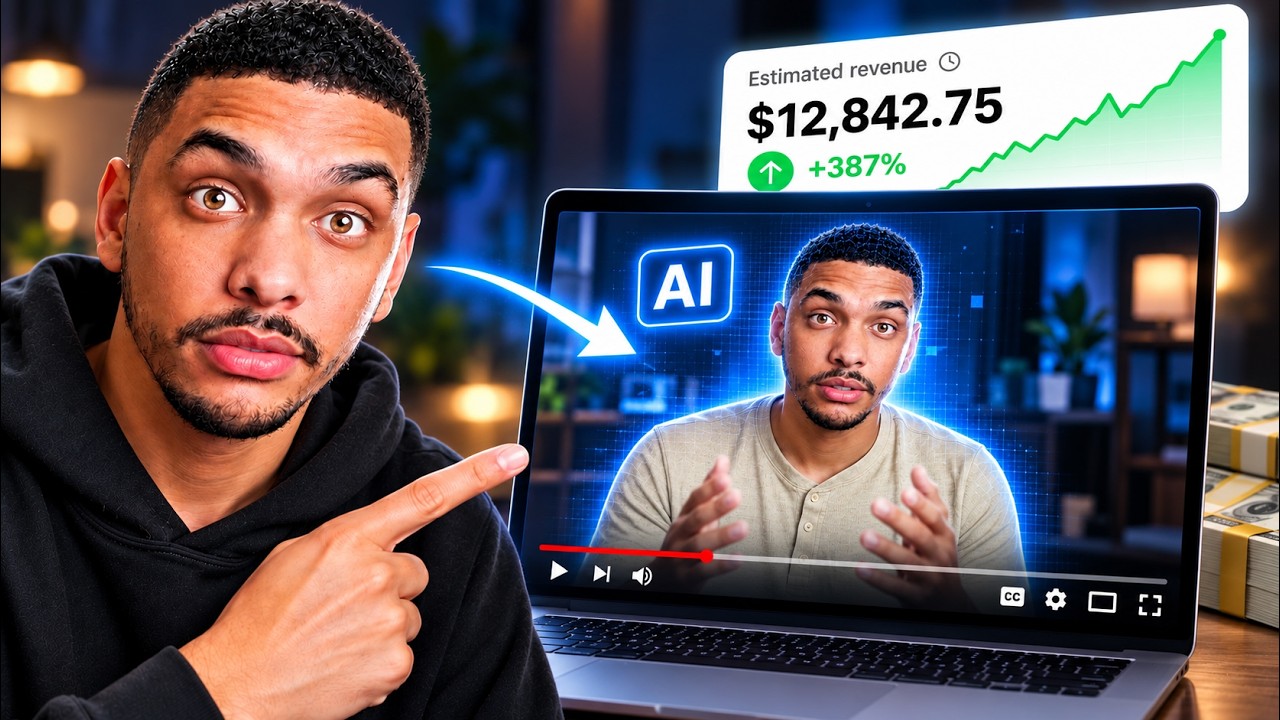
What if you could run a profitable YouTube channel without ever turning on a camera? That question probably sounds too good to be true — but Joshua Mayo just proved it isn't. In his viral tutorial, he walks through the exact system he uses to publish videos using a digital twin of himself: same face, same voice, zero filming days. And now that entire process is condensed into one clean action checklist you can follow step by step.
Here's the frustrating reality most aspiring creators live with: you know YouTube could change your financial situation, you have ideas worth sharing, but the moment you imagine yourself on screen, everything stalls. The awkwardness, the lighting setup, the endless retakes — it's enough to make most people never start at all. Meanwhile, channels in high-RPM niches like personal finance are quietly pulling in $10 to $50 per thousand views just from ad revenue alone, before sponsorships or affiliate income even enter the picture.
Now picture this instead. You record yourself once for a few minutes, upload that footage, and walk away with a fully functional AI avatar that looks and sounds exactly like you. From that point forward, you drop a script into a tool, answer a few questions about format and style, and come back to a finished video — complete with B-roll, graphics, scene transitions, and a disclaimer if your niche requires one. That's the workflow Joshua built, and it's the workflow this checklist maps out for you in precise, ordered steps.
Joshua Mayo has built a real audience around personal finance and online income, and his approach here isn't theoretical. He demonstrates every step live in the tutorial: recording his own avatar inside HeyGen, generating a channel name with AI, setting up a brand-new Google account, producing a complete "Top 5 ETFs for Beginners" video using the Video Agent feature, and editing it scene by scene inside HeyGen's studio. The monetization breakdown he shares — covering YouTube AdSense tiers, affiliate programs, brand sponsorships, and digital products — is practical and specific, not vague cheerleading.
This checklist captures every actionable step from that tutorial so you don't have to rewatch, pause, and scribble notes. It tells you exactly what to do, what to avoid, what success looks like at each stage, and which tools to use. Whether you're starting from absolute zero or you've been putting off launching a channel for months, this is the document that gets you moving. Download it, start at step one, and build the channel you've been thinking about.
What's Inside — Preview
Every checklist item comes with actionable notes to guide you — things like "Don't forget to do this before you start," "Avoid this common mistake," or "Set a reminder for 30 days out." Nothing vague, just clear next steps.
DOWNLOAD
Sign up for HeyGen using the link in Joshua Mayo's video description
DO
Navigate to the Avatar section in HeyGen and select 'Clone a Real Person'
DECIDE
Choose your recording method: webcam on laptop or smartphone camera
DO
Set up good, even lighting before recording your avatar footage
DO
Choose a plain, uncluttered background for your recording space
+ 30 more action items inside...
 ▶ Watch the source video on YouTube