Why You Need This Checklist
What if you could publish videos to YouTube, TikTok, and Instagram every single week without ever filming yourself, hiring an editor, or even touching editing software? That question is exactly what Sam from Success With Sam answers in his latest breakdown of Google Flow — and the answer is going to surprise you.
Most creators are still grinding through hours of editing, scrambling for content ideas, and burning out before they ever build an audience. Meanwhile, a small group of faceless channels are quietly racking up millions of views with AI-generated stickman animations, cinematic mini-movies, and whiteboard videos — all made in minutes. The gap between those two groups is not talent or time. It is knowing the right workflow.
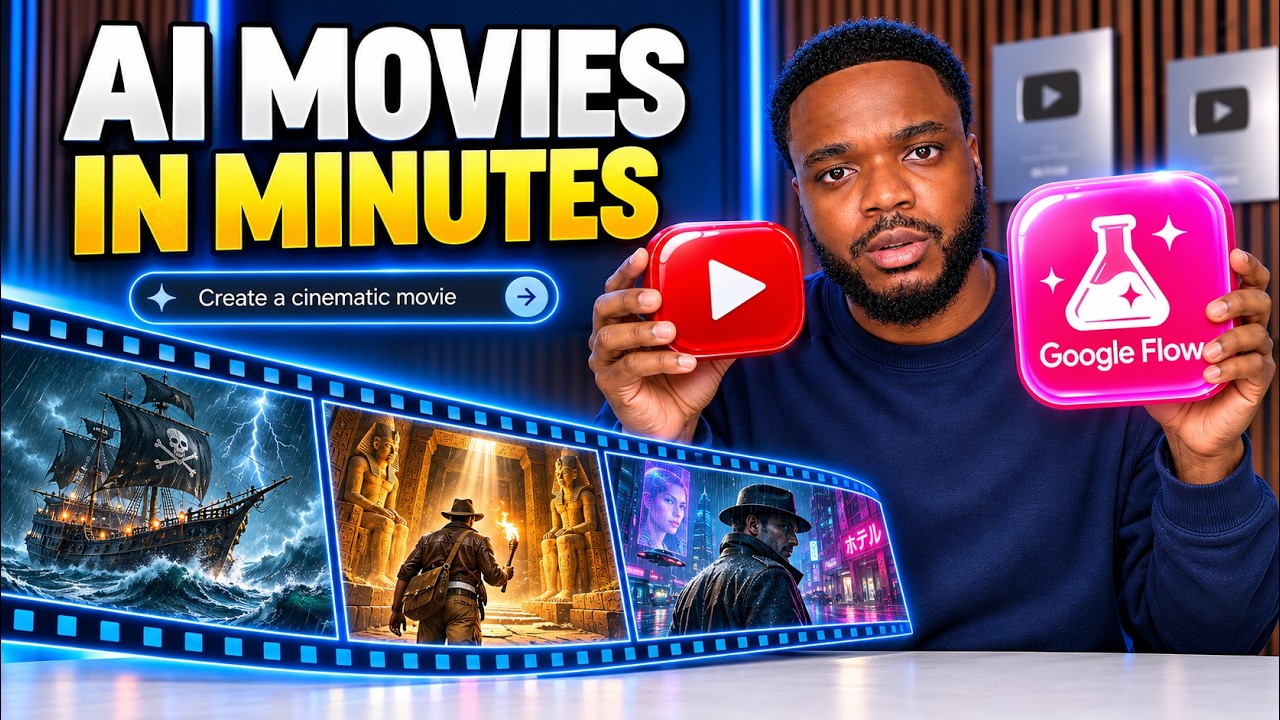
Imagine opening your laptop, typing a few prompts, and watching Google Flow's Gemini Omni and Nano Banana models build out an entire video scene by scene — complete characters, consistent visuals, a fully voiced narration, background music, and auto-generated captions. Then imagine clicking one button to post it directly to your YouTube or Instagram account with the best title, caption, and tags already written for you. That is not a fantasy. Sam walks through the exact process live in the video, and the results are genuinely cinematic.
Sam has tested this workflow across three distinct video formats — viral stickman animations, vertical AI micro-movies, and whiteboard drawing animations — and he shows the real output of each one. He also brings in Digital Maker AI as the connective tissue: a platform that researches what is currently trending, writes your Google Flow prompts for you, assembles your clips in the right order, and handles voiceover in over 140 voices across seven languages. The channels he references using this method started less than a year ago and are already crossing 160,000 subscribers and 18 million views on single videos.
This checklist translates everything Sam covers into a clean, actionable sequence you can follow from a blank screen to a finished, published video. Every tool, every setting, every model selection, and every platform step is laid out so you never have to pause and rewind. Whether you want to build a faceless YouTube channel, grow an Instagram presence, or just test whether AI video creation is right for you, this checklist gets you moving immediately. Download it, open Google Flow, and start your first video today.
What's Inside — Preview
Every checklist item comes with actionable notes to guide you — things like "Don't forget to do this before you start," "Avoid this common mistake," or "Set a reminder for 30 days out." Nothing vague, just clear next steps.
DO
Create a free Google Flow account using your Gmail address
LEARN
Familiarise yourself with the Google Flow interface before generating anything
DOWNLOAD
Sign up for a Digital Maker AI account
DECIDE
Decide which of the three video formats you want to make first
RESEARCH
Use the Faceless Finder in Digital Maker AI to research what is currently working
+ 25 more action items inside...
 ▶ Watch the source video on YouTube