Master CodePen 2.0: Complete Setup & Features Guide
Set up CodePen 2.0 exactly how you want it and unlock every powerful new feature
Based on: CodePen just got a HUGE upgrade by Kevin Powell
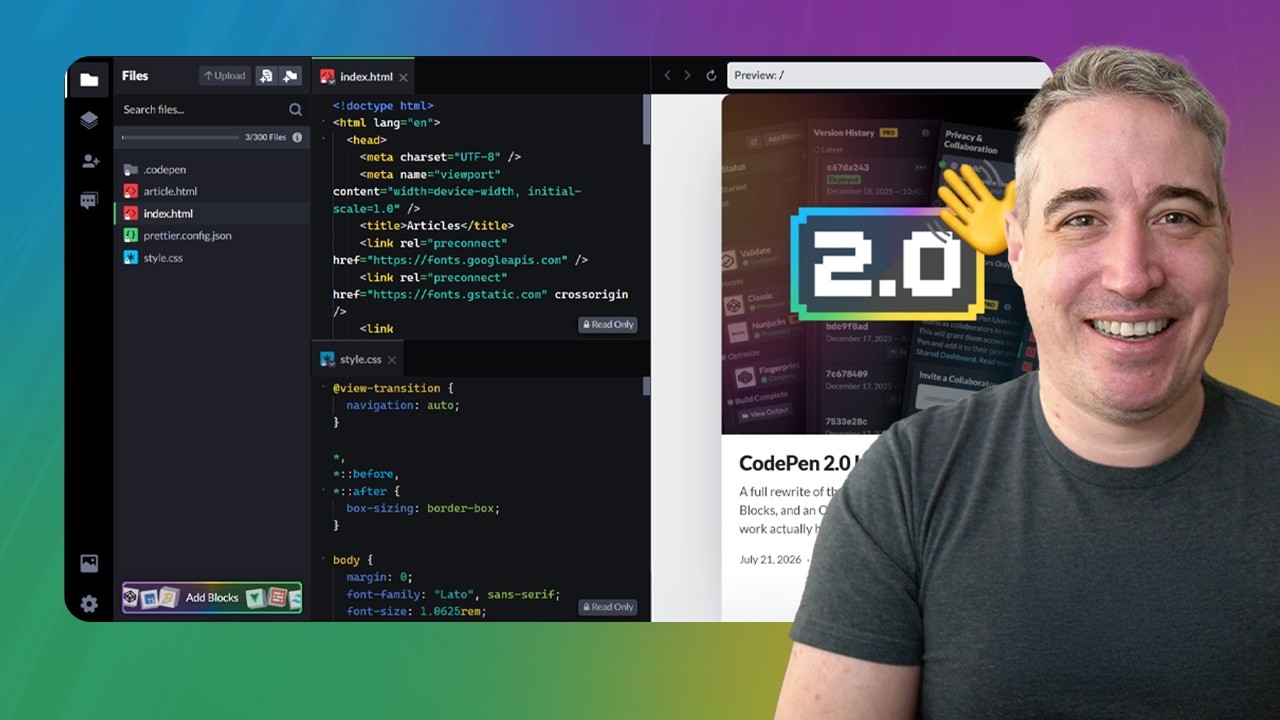 ▶ Watch the source video on YouTube
Set up CodePen 2.0 exactly how you want it and unlock every powerful new feature
Based on: CodePen just got a HUGE upgrade by Kevin Powell
▶ Watch the source video on YouTube
Have you opened CodePen lately and thought — what happened to the editor I knew? You are not alone. CodePen 2.0 landed with a full file system, a new build pipeline, collaboration tools, password protection, version history, and a completely redesigned interface. If you have been using the classic editor for years, opening 2.0 for the first time can feel genuinely overwhelming. Where did your CSS processor dropdown go? Why is there so much HTML? What are all these icons on the left sidebar? That confusion is real, and it costs you time every single session you spend poking around trying to figure things out instead of actually building.
Here is what that frustration looks like in practice: you rename a file and accidentally trigger a build block you did not know existed. You want SAS but cannot find the settings dropdown because it no longer exists. You need to share a pen privately with a client but do not realize there are now three levels of privacy. You spend twenty minutes hunting for the feature that used to be called external assets. Every one of those moments is a small tax on your creativity and your momentum.
Imagine instead opening CodePen 2.0 and knowing exactly what every icon does, how to add and configure blocks, how to set a default template so every new pen starts exactly the way you want it, and how to use real-time collaboration without any special URL tricks. Picture having version history you can actually roll back, a live debug view that doubles as a shareable URL, and inline language processing so you can write a snippet of Pug or SCSS right inside an HTML file. That is what confident fluency with the new editor looks like.
Kevin Powell, one of the most trusted CSS educators on YouTube, sat down with Chris Coyier — co-founder of CodePen himself — for a deep-dive walkthrough of every meaningful change in 2.0. This is not speculation or guesswork. This is the person who built it explaining exactly how it works, with Kevin asking every question a working developer actually needs answered.
This checklist turns that entire conversation into a clear, step-by-step action guide you can work through in a single sitting. Follow it once and you will have CodePen 2.0 configured, understood, and ready to use the way you actually work. Grab it now and stop losing time to an interface that should be working for you.
Every checklist item comes with actionable notes to guide you — things like "Don't forget to do this before you start," "Avoid this common mistake," or "Set a reminder for 30 days out." Nothing vague, just clear next steps.
+ 29 more action items inside...
Instant PDF download. Start taking action today.
✓ Instant download · ✓ PDF format · ✓ No subscription