Master Gemini Spark: Complete Action Checklist
Set up and automate your Google Workspace with Gemini Spark's four core capabilities
Based on: Learn 90% of Gemini Spark in 15 Minutes! by Jeff Su
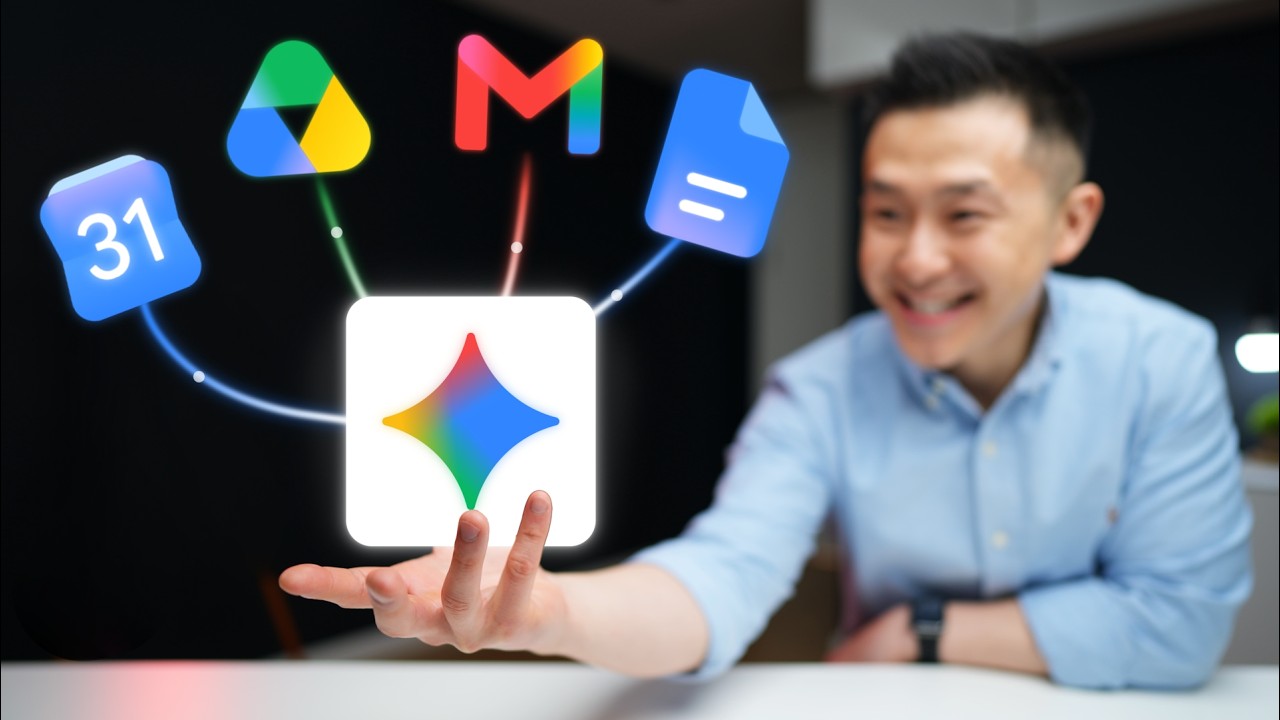 ▶ Watch the source video on YouTube
Set up and automate your Google Workspace with Gemini Spark's four core capabilities
Based on: Learn 90% of Gemini Spark in 15 Minutes! by Jeff Su
▶ Watch the source video on YouTube
What if your Google Drive organized itself, your weekly reports wrote themselves, and your inbox got triaged before you even opened it? That sounds like something only a full-time assistant could pull off — but it's exactly what Gemini Spark does, and most people have no idea it exists or how to turn it on.
Here's the frustrating reality: you're probably already paying for Google Workspace, using Gmail, Drive, and Calendar every single day, and doing dozens of repetitive tasks manually that an AI agent could be handling for you automatically. Every report you format from scratch, every email you dig through to find context, every calendar invite you build by hunting down a previous time slot — that's time you're hemorrhaging on work that doesn't move the needle.
Now picture this: you open Monday morning with a clean leadership brief already waiting in your Drive, your meeting transcripts summarized with action items drafted, and your inbox pre-labeled and triaged — all while your laptop was off over the weekend. That's not a fantasy. That's Gemini Spark working the way Jeff Su shows you to set it up, step by step, in under 15 minutes of learning.
Jeff Su is one of the sharpest Google Workspace productivity creators out there, with a track record of breaking down complex AI tools into practical, no-fluff workflows. In this breakdown, he doesn't just explain what Gemini Spark does — he walks through real-world examples with actual prompts, folder structures, and skills you can copy immediately. He even compares Spark honestly against Claude, Codex, and other agents so you know exactly what you're working with and where its edges are.
This checklist captures every actionable step from Jeff's walkthrough: how to enable memory and connected apps, how to build your Spark OS folder system, how to use all four core capabilities — Connect the Dots, Follow Your Templates, Create Repeating Playbooks with Skills, and Automate Routines with Scheduled Tasks — plus how to build a Spark rules document so the agent follows your preferences every time.
Stop doing manually what Gemini Spark can do automatically. This checklist gives you the exact sequence to follow so you can go from zero to a fully automated Google Workspace today.
Every checklist item comes with actionable notes to guide you — things like "Don't forget to do this before you start," "Avoid this common mistake," or "Set a reminder for 30 days out." Nothing vague, just clear next steps.
+ 18 more action items inside...
Instant PDF download. Start taking action today.
✓ Instant download · ✓ PDF format · ✓ No subscription