Why You Need This Checklist
What if your iPad could do more by having less on it? Most people pile on widgets, apps, and customizations until their tablet feels like a second job just to navigate. Sound familiar? You unlock your iPad, get distracted by a weather widget, forget what you opened it for, and close it without doing anything meaningful. Your most powerful productivity device is quietly working against you — and you probably didn't even realize it.
Here's the uncomfortable truth: a cluttered iPad is not a productive iPad. Every app you never open, every widget you never glance at, every bloatware icon sitting in a folder is mental friction you pay every single time you pick up your device. The goal was never to have more. The goal was to get things done.
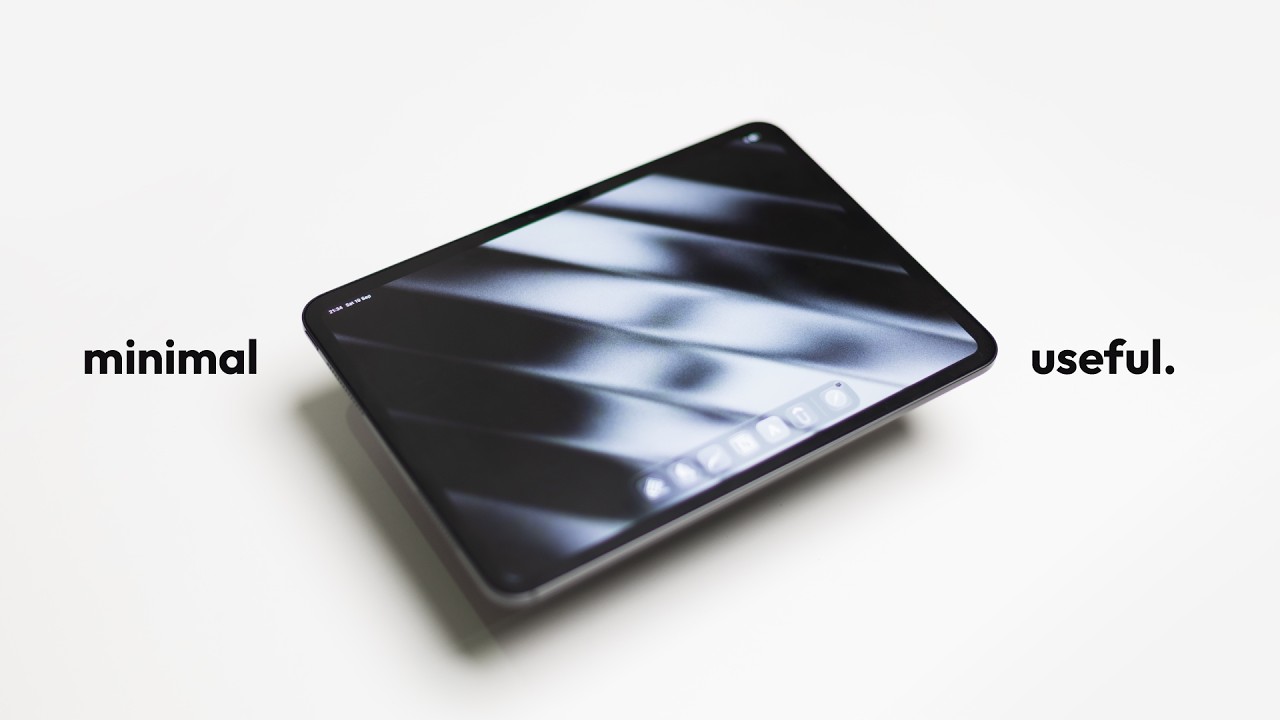
Imagine unlocking your iPad and going straight to exactly what you need — no distractions, no decision fatigue, just a clean, beautiful workspace that actually reflects how you want to work. Your note-taking app is right there. Your calendar is a swipe away. Your creative tools are ready when inspiration hits. Everything has a purpose. Nothing is wasted. That's the setup Kai Notebook built — and it's the setup you deserve too.
Kai is a fourth-year dental student who also runs a YouTube channel, creates digital art, and teaches himself coding on the side. He doesn't have time for a complicated setup, and neither do you. His approach is battle-tested across multiple Apple devices and built on a single, powerful philosophy: if you won't use it, it doesn't belong on your iPad. He even sells wallpapers through his Kofi shop because he cares that much about aesthetics meeting function. This isn't theory — this is a real working setup from someone juggling more than most of us.
This checklist walks you through every decision Kai made, step by step — from removing bloatware and choosing where to place widgets, to selecting the exact six apps that power his daily workflow across school, art, and tech. You'll know which apps to keep, which to delete without guilt, and how to configure your home screen so it stays clean for the long haul. Pick up this checklist and finally build the iPad setup you've been meaning to create.
What's Inside — Preview
Every checklist item comes with actionable notes to guide you — things like "Don't forget to do this before you start," "Avoid this common mistake," or "Set a reminder for 30 days out." Nothing vague, just clear next steps.
DECIDE
Adopt the core minimalist philosophy before touching any settings: if you won't use an app, delete it immediately
DO
Uninstall all bloatware and unused Apple ecosystem apps from your iPad
DO
Choose and set a gradient noise wallpaper for your home screen
DO
Customize the lock screen clock to the minimized top-position style instead of the large centered clock
DO
Remove all widgets from your main home screen
+ 12 more action items inside...
 ▶ Watch the source video on YouTube