Why You Need This Checklist
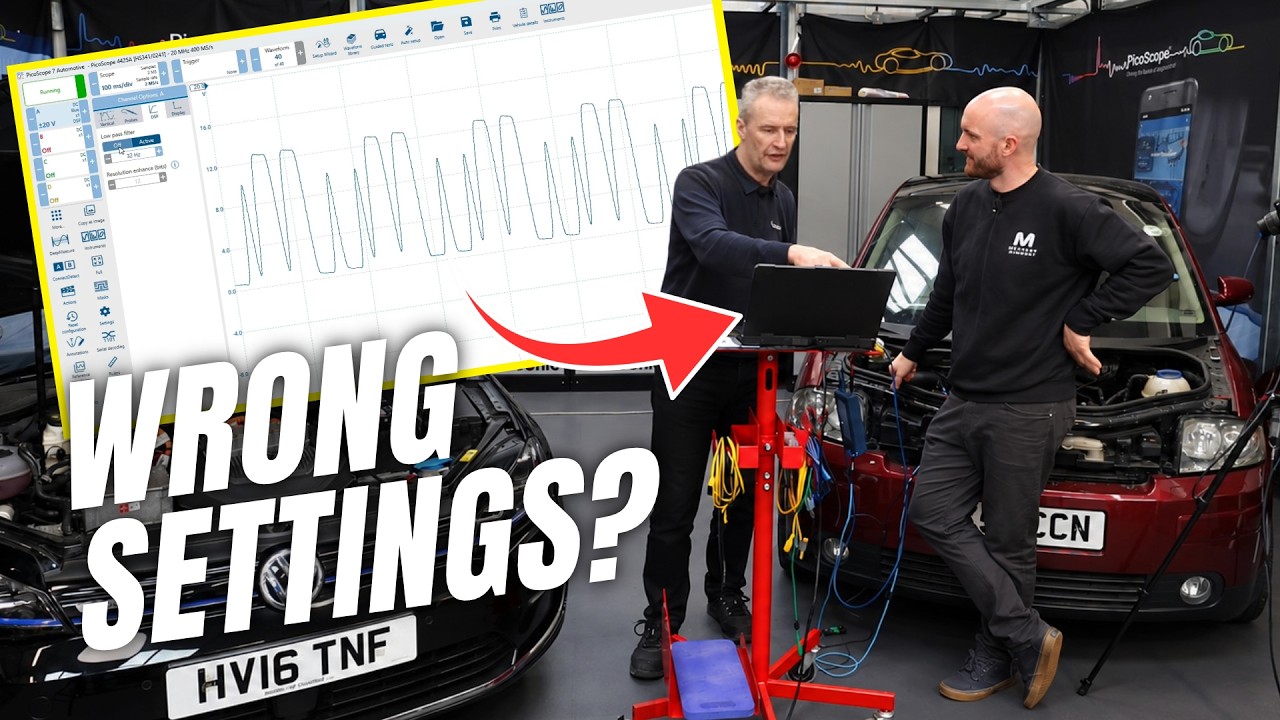
Ever stared at your PicoScope screen wondering why the waveform is a blurry mess, or why the signal you needed flashed past before you could blink? You paid good money for a professional diagnostic tool, and right now it might be working against you simply because of a few overlooked settings.
Here is what actually happens when the defaults are left in place. The time base is set to 20 ms divisions, so every event screams past the screen faster than your eyes can track. Auto voltage ranging kicks in and drags the display down to 50 millivolts, making a tiny ripple look like a catastrophic fault. You connect a probe, the software silently switches your carefully chosen range back to auto, and you never notice. You set a trigger, the waveform freezes, and you have no idea whether the signal is dead or your trigger is simply in the wrong place. Sound familiar? You are not doing anything wrong. Nobody tells you this stuff when the box arrives.
Imagine instead opening PicoScope and having it land every single time on exactly the settings that serve you: plus or minus 20 volts on channel A, 200 ms divisions in streaming mode, 2 million samples per second, and a saved user default that resets the whole interface in a single click when things go sideways. Imagine knowing the difference between bandwidth limit filtering and DSP filtering, and exactly when to use each one without destroying your raw data. Imagine using Connect Detect to confirm a backpin connection before you even start the engine, or referencing the sensor ground instead of chassis ground to eliminate noise at the source rather than masking it with a filter.
The team at Mechanic Mindset has trained countless technicians on PicoScope and has seen every one of these pitfalls firsthand. This checklist is built directly from their hands-on workshop session, translating their real-world experience into a step-by-step reference you can keep next to your scope.
This PDF checklist walks you through every key action from the video: saving your user startup settings, configuring your trigger correctly, managing noise with the right filter for the right job, using Connect Detect to confirm backpin connections, and customising your workspace so the tools you need are always one click away. Print it, follow it once, and your PicoScope will work the way it was designed to work, every time you switch it on.
What's Inside — Preview
Every checklist item comes with actionable notes to guide you — things like "Don't forget to do this before you start," "Avoid this common mistake," or "Set a reminder for 30 days out." Nothing vague, just clear next steps.
DO
Set channel A voltage range to plus or minus 20 V (manual, not auto)
DO
Set the time base to 200 ms per division in streaming mode
DO
Set sample rate to 2 million samples per second
SAVE
Save these three settings as your user default startup configuration
DO
Add the Reset Configuration button to your left-hand tool panel as a favourite
+ 18 more action items inside...
 ▶ Watch the source video on YouTube