Why You Need This Checklist
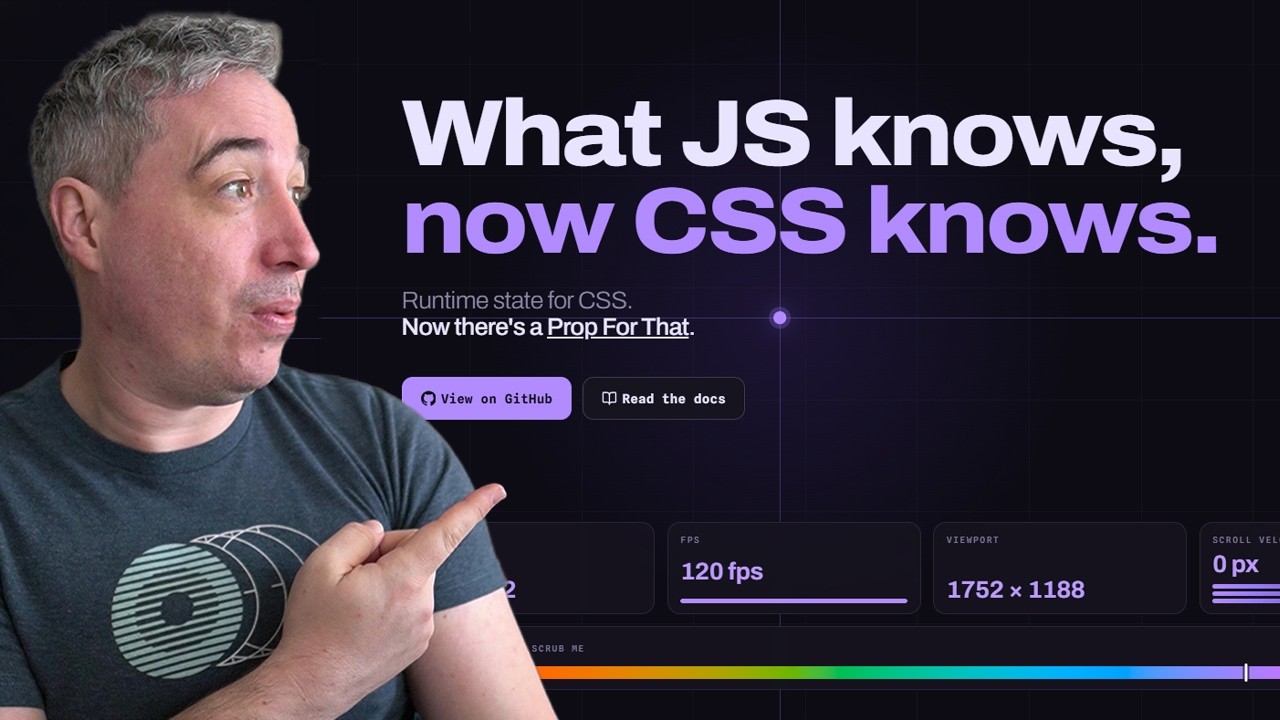
What if you could add scroll-triggered animations, live cursor tracking, and viewport-aware effects to your website without wiring up a single Intersection Observer or mouse event listener? That one question stopped Kevin Powell mid-demo, and if you clicked this, it probably stopped you too.
Here is the reality most developers live with: you know the animation you want, you can picture it perfectly, but the JavaScript to make it happen is a wall of boilerplate. IntersectionObserver setup, event listeners, scroll handlers, cleanup logic, performance throttling — all before you write a single line of CSS. You end up with brittle code you barely trust, and the creative momentum you had is gone.
Now picture this instead. You drop one import into your JavaScript file. You add a single data attribute to any HTML element. And suddenly that element is broadcasting live custom properties — cursor X and Y position, scroll velocity, viewport visibility, whether the user has ever entered the element — all directly into CSS. No observers. No event listeners. No manual cleanup. Your CSS just reads the values and does what CSS does best. The animation works. The effect is smooth. And you wrote maybe three lines of code total.
That is exactly what Kevin Powell demonstrates with the library called Props For That, created by Adam. Kevin is one of the most trusted voices in frontend development, known for making CSS feel approachable and powerful at the same time. In this walkthrough he shows his own real project: holographic card effects that follow the mouse, twist-in scroll animations that trigger as cards enter the viewport, and live visibility detection that lets you choose between one-time-trigger animations and looping live ones. He even covers the performance story — Props For That only tracks elements that are visible on screen, so you are never wasting processing power on off-screen elements.
This PDF checklist distills every actionable step Kevin covers into a clean, ordered workflow you can follow in any project. From installing the library to writing the calc() expressions that turn unitless props into real CSS units, to building the is-visible inversion trick for twist-in animations, every step is here. You will know exactly which HTML attributes to add, which custom properties become available, and how to wire them into your existing CSS gradient and transform code.
Download the checklist, open your project, and ship the interactive effects you have been putting off. Kevin makes it look easy because, with Props For That, it actually is.
What's Inside — Preview
Every checklist item comes with actionable notes to guide you — things like "Don't forget to do this before you start," "Avoid this common mistake," or "Set a reminder for 30 days out." Nothing vague, just clear next steps.
DOWNLOAD
Install the Props For That library via NPM
DO
Import Props For That auto in your JavaScript entry file
DO
Add the data-props-for attribute to any HTML element you want to track
LEARN
Request the pointer-local prop to get live cursor X and Y position relative to the element
CHECK
Verify the live custom properties are appearing by inspecting the element in DevTools
+ 15 more action items inside...
 ▶ Watch the source video on YouTube