Why You Need This Checklist
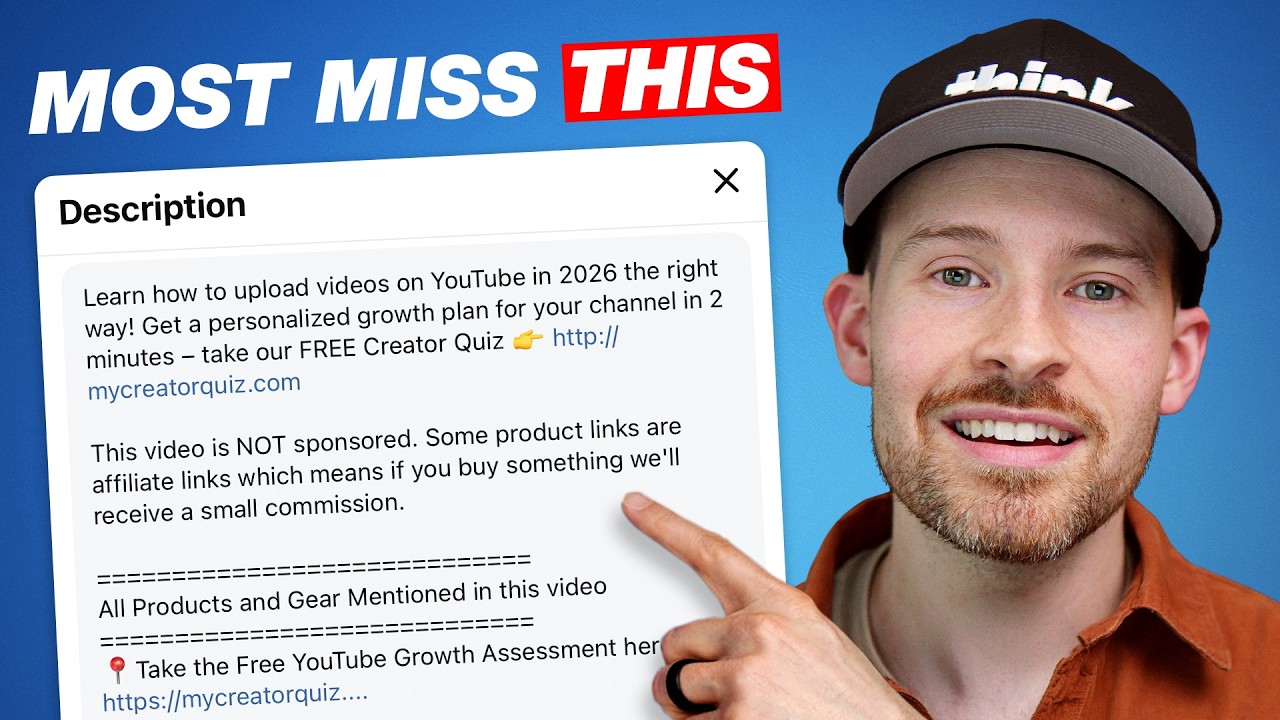
What if the reason your YouTube videos aren't getting the views or revenue you deserve has nothing to do with your content — and everything to do with a few lines of text most creators completely ignore?
Here's the uncomfortable truth: YouTube's algorithm weighs different parts of your description very differently, and if you're putting the wrong things in the wrong order — or skipping key elements entirely — you're leaving views, subscribers, and real money on the table every single time you upload. Most creators treat the description box like an afterthought. They paste in a few keywords, maybe drop a link somewhere, and hit publish. Meanwhile, their videos quietly underperform and they never know why.
Imagine instead opening YouTube Studio and knowing exactly what goes in each section of your description — above the fold, right after the fold, mid-description, all the way to the bottom. You know which link to prioritize and where to place it so viewers actually click it. Your SEO reinforcement reads naturally and YouTube rewards you for it instead of flagging it as misleading metadata. Your chapters make your video easy to navigate, your social links display as clean branded bubbles, and your hashtags quietly connect all your content together into a unified channel ecosystem. Every upload feels intentional, professional, and optimized.
Think Media's Sean Cannell has helped thousands of creators build real audiences and real income on YouTube, and in this video he pulls back the curtain on the exact description structure Think Media uses — including a real student example from Kayla, whose descriptions Sean personally coached. This isn't theory. It's a proven framework applied to actual channels getting results.
This checklist turns Sean's entire walkthrough into a step-by-step action guide you can keep open in a second tab every time you upload. From crafting your above-the-fold hook to enabling advanced features, from adding properly formatted chapters to placing disclaimers and contact info in exactly the right spot — every action is here, in order, ready to execute. Stop guessing and start optimizing. This checklist tells you exactly what to do.
What's Inside — Preview
Every checklist item comes with actionable notes to guide you — things like "Don't forget to do this before you start," "Avoid this common mistake," or "Set a reminder for 30 days out." Nothing vague, just clear next steps.
DO
Access YouTube Studio and open the description editor for your video
CHECK
Check that Advanced Features are enabled on your channel so links are clickable
DO
Write the very first line of your description as a search-based keyword phrase that anchors the video topic
DO
Place your single highest-priority link immediately after the first keyword line, above the fold
DO
Optionally add a second priority link above the fold, such as a playlist relevant to the video topic
+ 12 more action items inside...
 ▶ Watch the source video on YouTube